Do You own a Small Local Business?
Wants to grow your business by making it online?
Then List your business in Google Business Profile. A free tool from Google.
In today’s days everyone ask to Google before buying any product or required any service.
Suppose I ask Google about Plumber in Kolkata.
The first thing appear on to you is Google
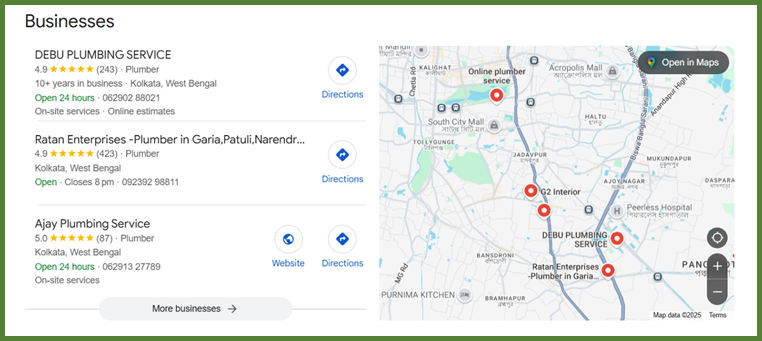
This Is a Google Map Search.
If your business listed in Google Business Profile. It has the high chance to come up in Google Map search.
From where probable customer can contact for your service.
What Is a Google Business Profile?
Google Business Profile (GBP) earlier name Google My Business (GMB) is a free tool from Google that allows business owners to register their business on Google and doing this it manages their appearance on Google search and Google Maps.
It is the first step for any types of business to make it online presence before having their website.
Why Your Local Business Needs a Google Business Profile
In today’s digital era, customers are doing local search for product or services in online – primarily on Google. Whether you are a salon, ATM, restaurant, plumber, repair shop, A Google Business Profile is one of the best tools to get you local business in front of the tight people, future customer.
It is useful for increase your local visibility for your business and promote locally.
In GBF, your business get review and rating by the customers who bought your product or took service form you. This will build trust, reputation and this will influence potential buyers
Data Says, 93% of consumers reads online reviews before buying or choosing a local business.
Step-by-Step Guide to Create Your Google Business Profile
Step 1: Go to Google Business Profile
Visit: https://www.google.com/business
Click on “Get Started” to begin the setup process.
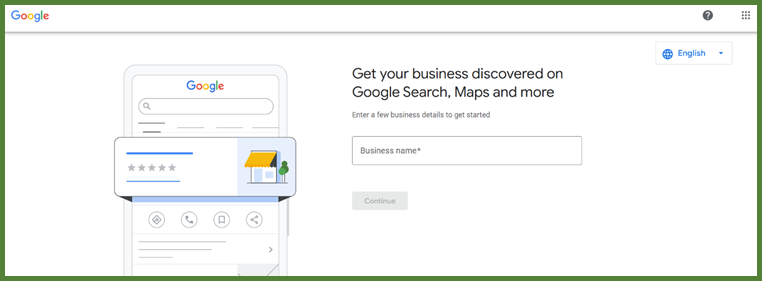
Step 2 : Provide Business Name and click continue.
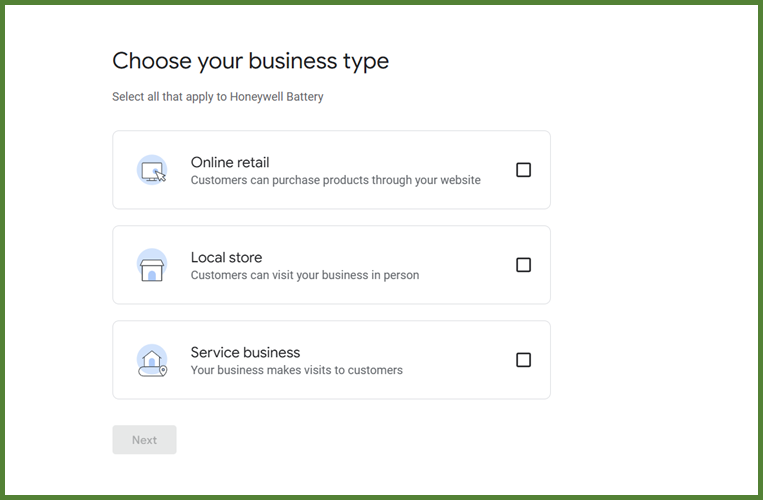
Step 3 : Choose Business Type. And click next.
Step 4: Then choose the business category list. And Click Next.
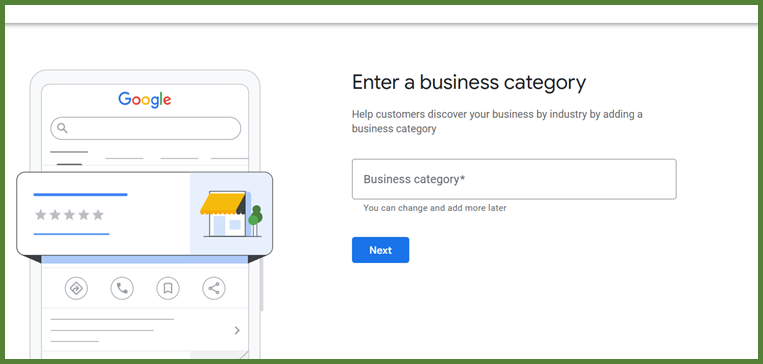
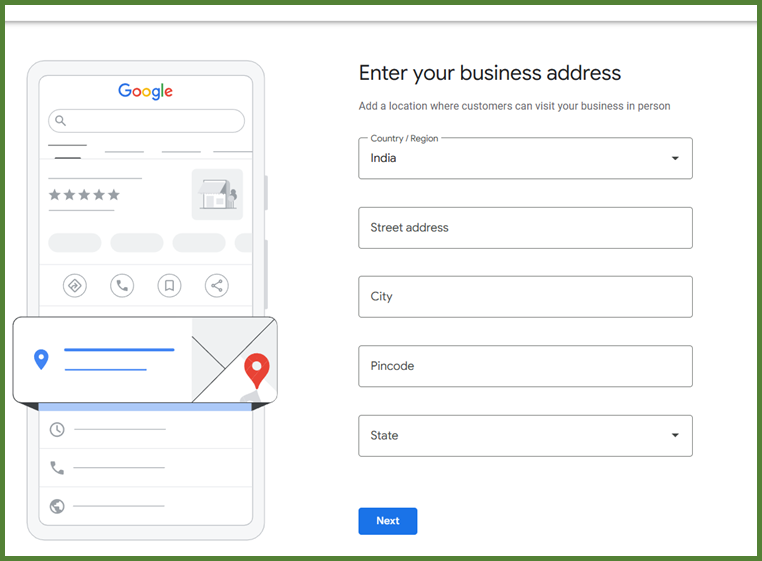
Step 5: Mention Proper Business address. Click Next.
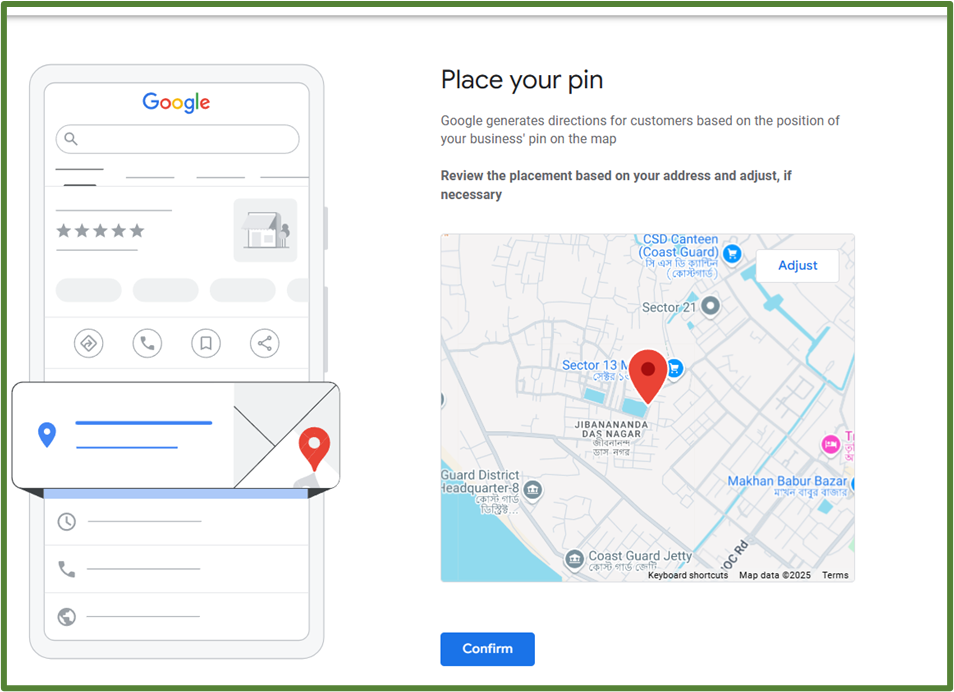
Step 6: Then Shows your address on the Map as below. You can move the red point for accurate business location on map. Click on Confirm button.
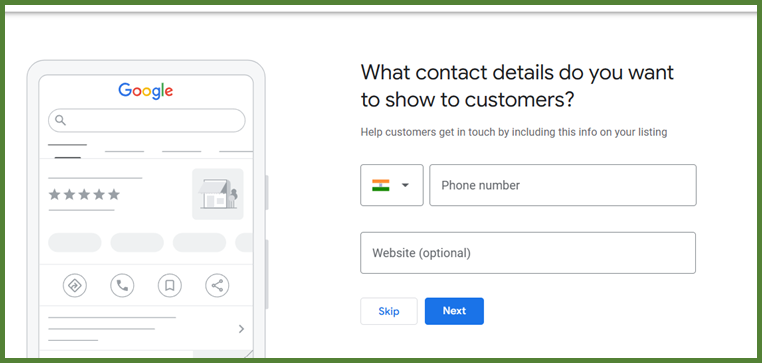
Step 7: Then Ask for phone number and website (optional). Put phone number and click next
Step 8: Confirm your Business. Click Continue
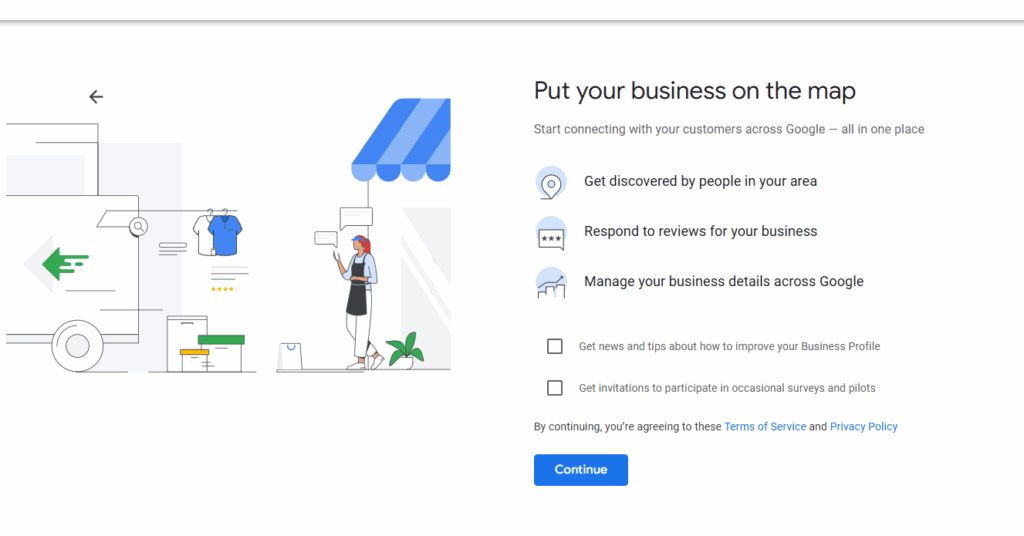
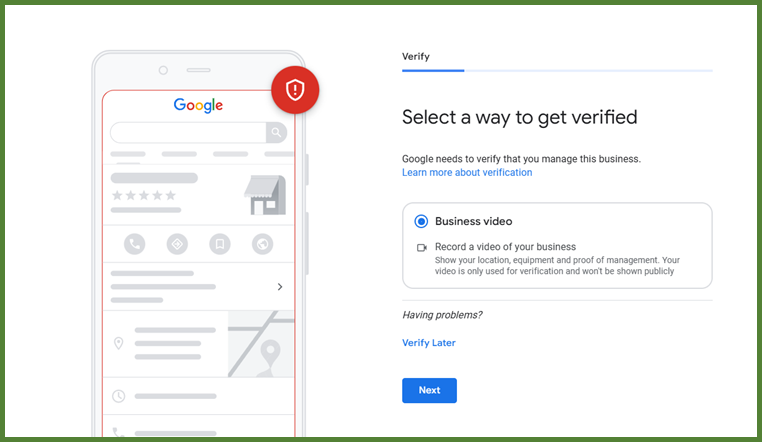
Step 9: After the above steps you Google Business profile needs verification. By Providing a video of your business front.
Step 10: After verify Google Business Profile you can get a Dashboard
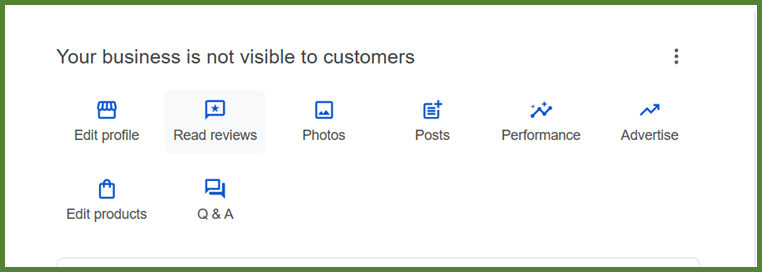
Through this dashboard you can manage your Google Business Description.
Optimizing Your Google Business Profile
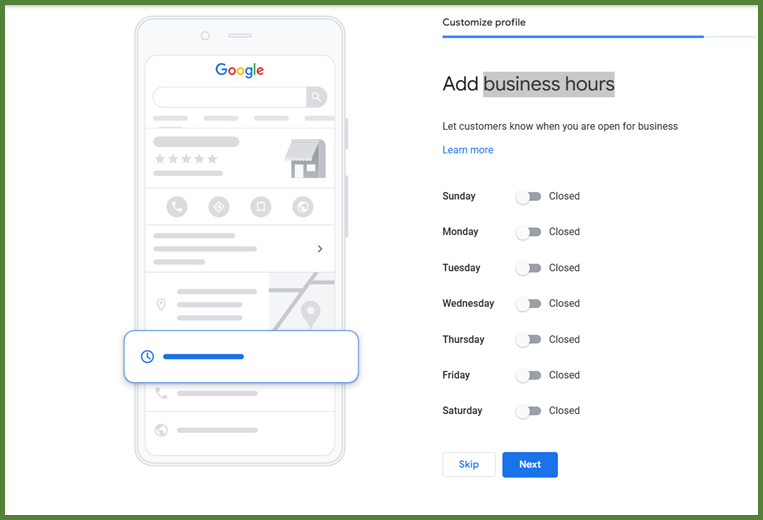
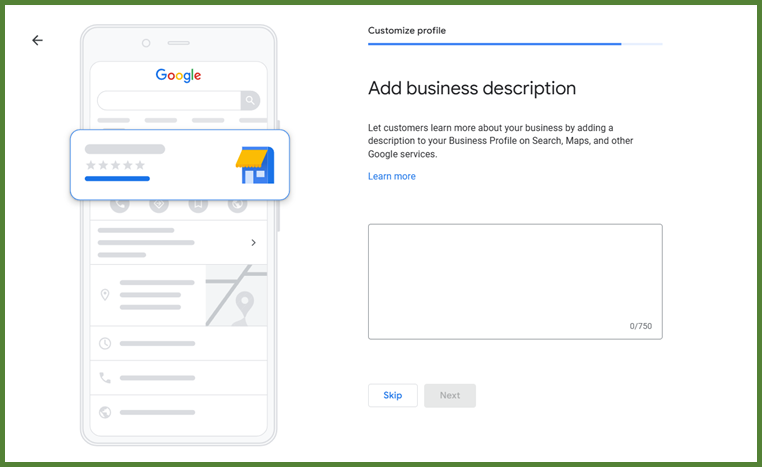
After verifying you business you Google Business Profile needs to optimize it. By providing more information. Like business hours, Business Description, Upload High-Quality Photos, Add Services, Products & Attributes, Set Up Messaging and FAQs, encourage customers to give rating and Reviews.
Common Mistakes to Avoid
Inaccurate Business Information
Google Business Profile (GBP) is one of the most visible representations of your brand. But when you put inaccurate information. It can damage your Brand reputation, mislead customers and hurt your local seo perormance
Ignoring Customer Reviews
Your Google Business Profile (GBP) is not just a listing — it’s a reciprocal communication tool between you and your customer. When you ignore customer reviews and ratings, you miss out opportunity to build trust, improve your reputation, and even boost your local SEO.
Not Updating Regularly
You need to update regularly by posting new posts related to business. Add offer or event that your business going to organize. This will give signal to Google about your business update